Dictate. Say it your way.
Before the visit, after hours, or on the go.
Turn your voice into a structured SOAP note.
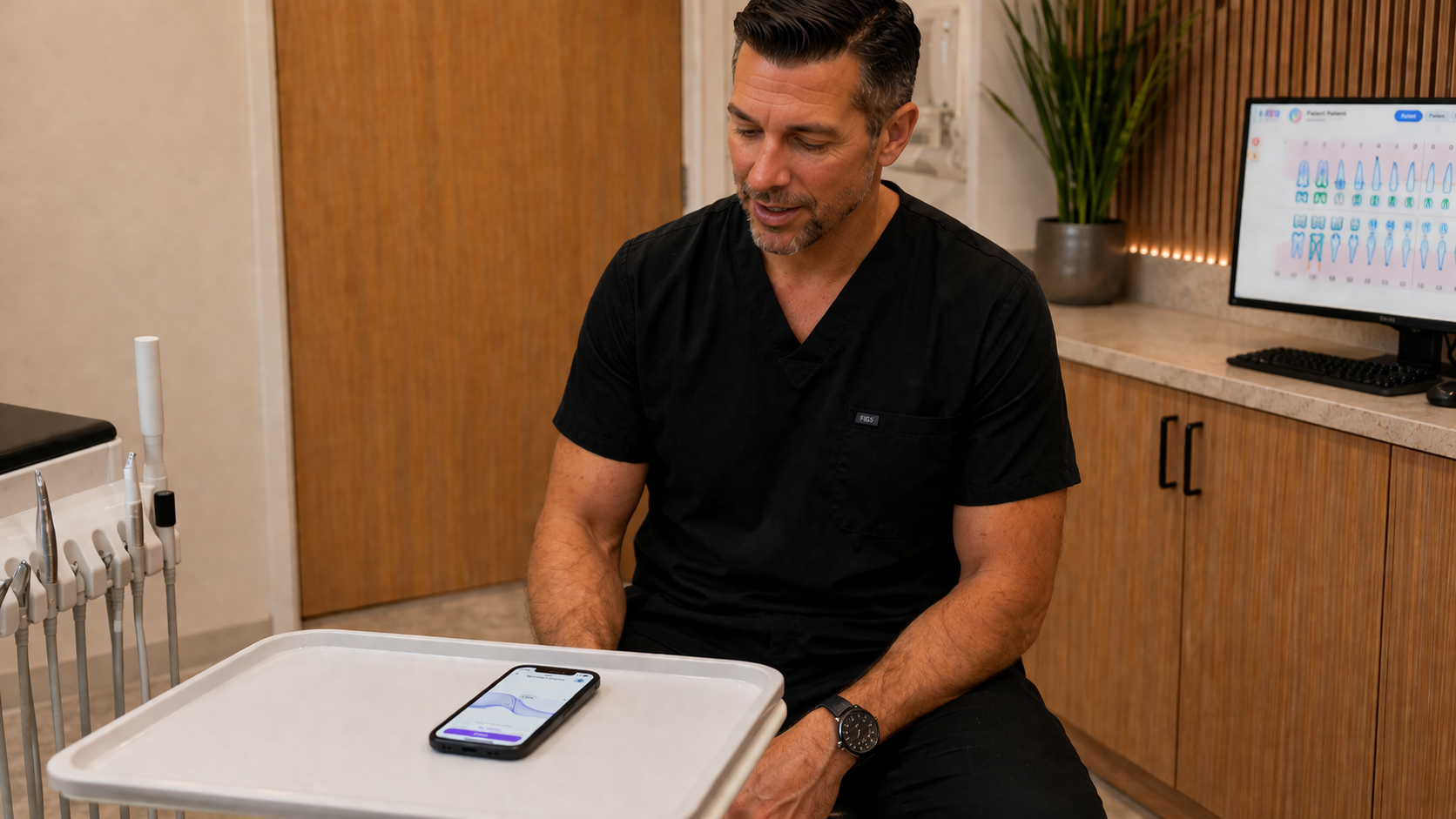

Meet FFD Notes
You're 1 minute away from
saving time with every patient.
No credit card, no trial, no kidding.
Before the visit, after hours, or on the go.
Turn your voice into a structured SOAP note.
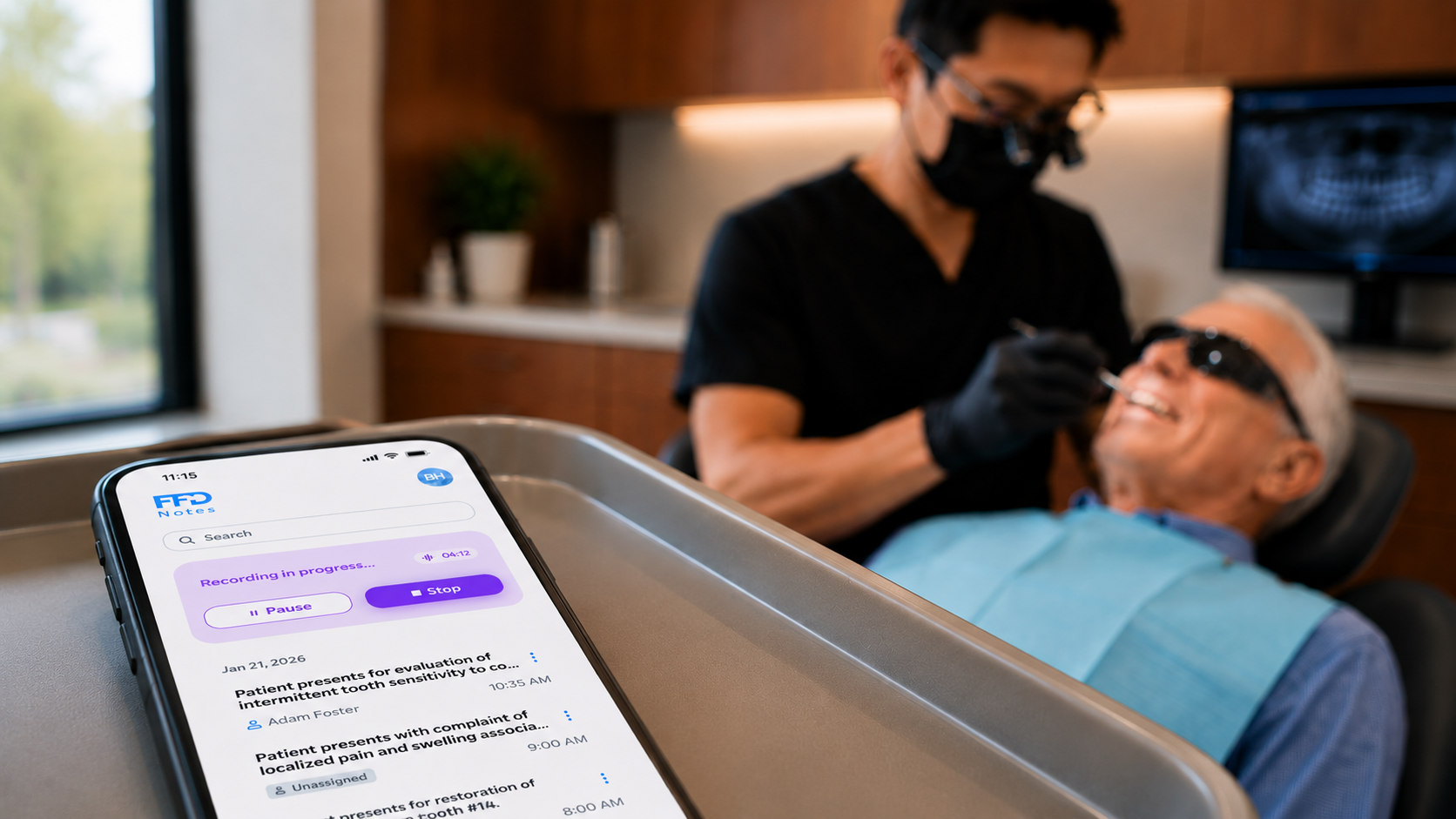
Capture the full visit while you stay present with the patient. Review the clean draft after.
Clinician stories
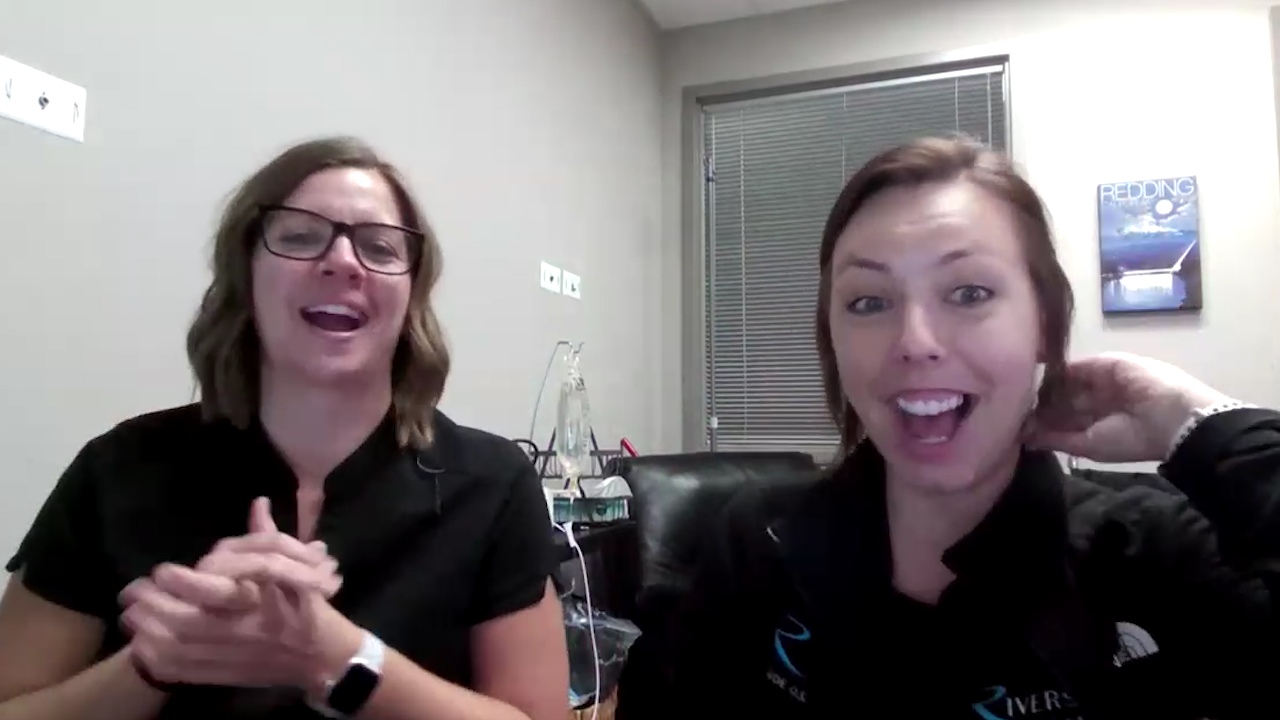 Oral Surgery Team
“I’m blown away. This is life-changing.”Kaitlyn Drake + Sheena Holdridge Riverside Oral Surgery
 General Dentist
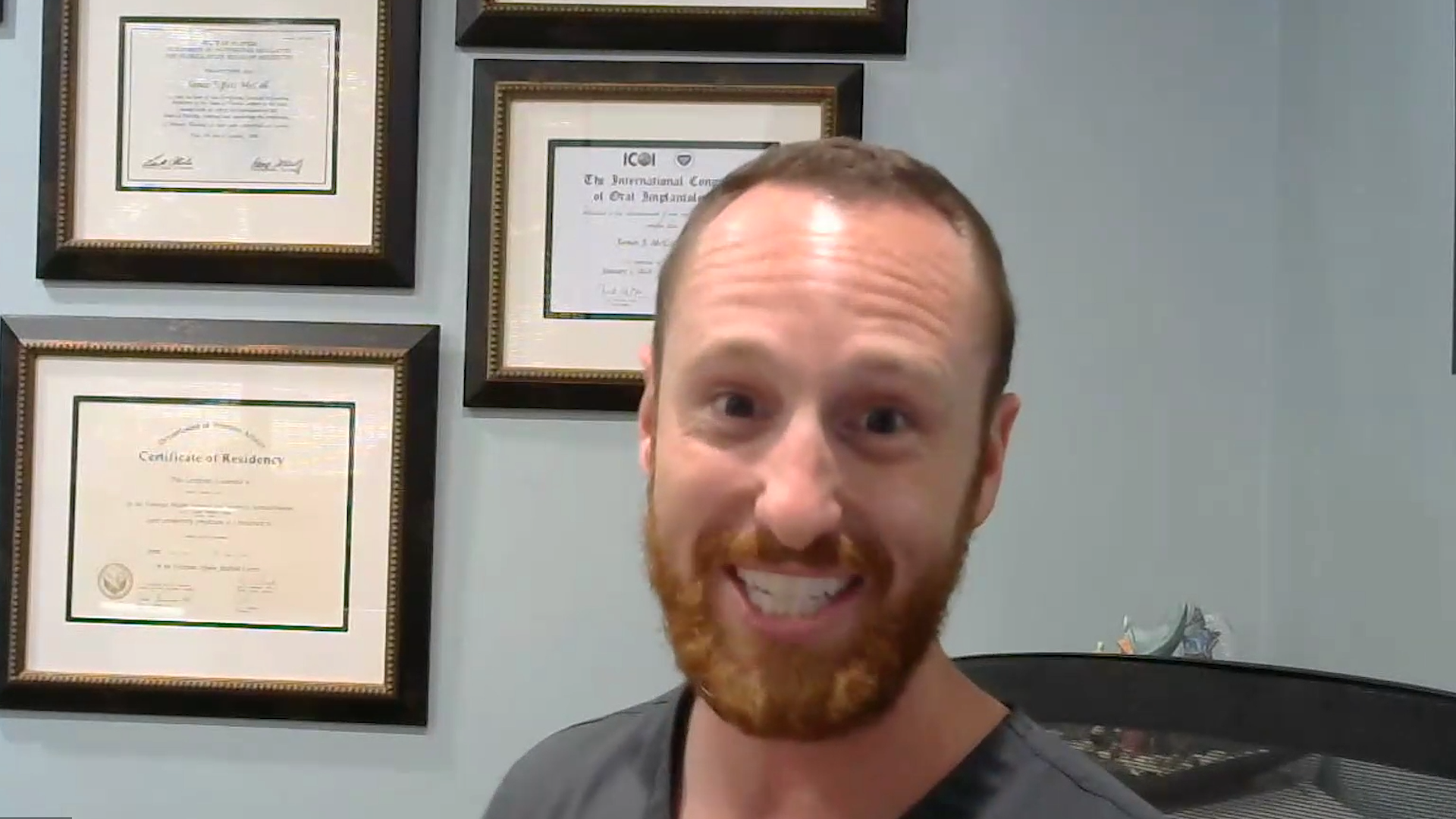
“My assistants love that they can dictate instructions before I step in.”Dr. Drew Rappaport Rappaport Dental
 General Dentist
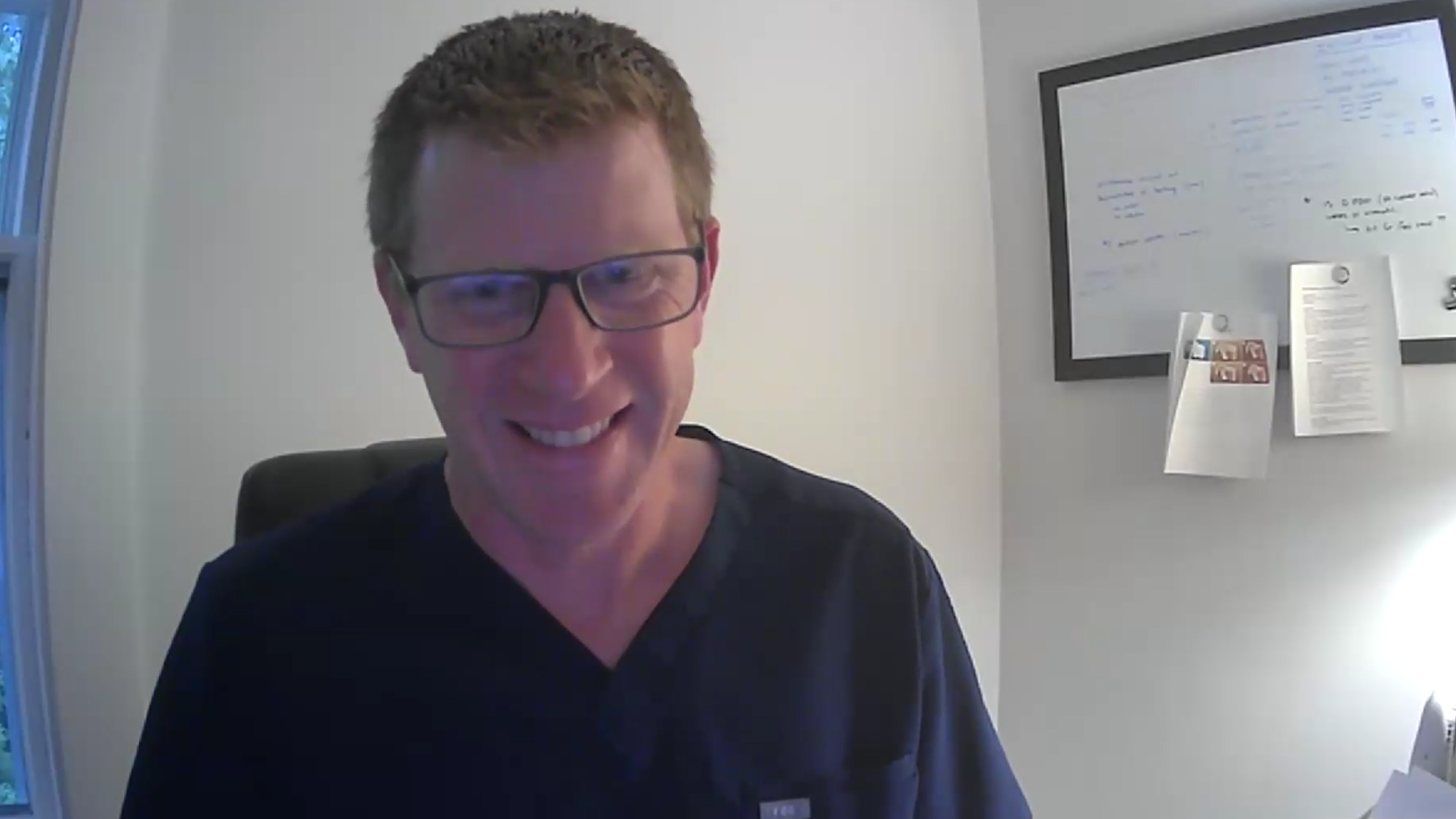
“FFD Notes is like a mind-boggling, awesome innovation.”Dr. Greg Carroll Topsfield Dental Associates
Start with unlimited free notes. Add the benefits of the AI Clinical Suite when your practice is ready.
AI clinical notes for any practice, any PMS from an iPhone, iPad or Desktop.
 Notes
Notes
Really free, no catch. If you love it, tell a friend!
$0 /month
Unlimited users and notes.
Get FFD Notes FreeEverything in Notes, plus intelligent automation and one seamless workflow for complete patient care from an iPhone, iPad or Desktop.
Notes
 Schedule
 Chart
Chart
 Images
 Perio
Perio
 Collab
Same AI Clinical Suite. Choose what works for your practice.
$99 $120 /user/month
$1,188/year prepaid
Month to month.
$499 $599 /month
$5,988/year prepaid
Month to month.
| Feature | FFD Notes Free |
FFD AI Clinical Suite Pro
(1–4 users) |
FFD AI Clinical Suite Unlimited |
|---|---|---|---|
|
Notes
|
|||
| Dictate note Record naturally during or after an appointment and turn your speech into a structured clinical note. | ✓ | ✓ | ✓ |
| AutoDraft™ Full Visit Transforms a complete appointment into a polished clinical note in seconds, ready for review and sign-off. Giving clinicians more time with patients. | ✓ | ✓ | ✓ |
| Paste to PMS Copy completed notes directly into any practice management system. | ✓ | ✓ | ✓ |
| AutoSave™ to PMS Completed notes are automatically saved directly into the practice management systems without manual copying or pasting. | — | ✓ | ✓ |
| PMS Templates Use your existing templates to match your existing workflows and documentation standards. | — | ✓ | ✓ |
| AutoFill™ Templates FFD intelligently and automatically completes your practice's templates from your patient consultation or dictated note. | — | ✓ | ✓ |
| Sign Notes Review, approve and electronically sign notes to create a complete, compliant clinical record. | — | ✓ | ✓ |
|
Schedule
|
|||
| OneSchedule™ iPhone, iPad and desktop access to your practice schedule from anywhere. Securely review appointments and patient details. | — | ✓ | ✓ |
| Any time scheduling Day or night, access your appointments whenever you need them. | — | ✓ | ✓ |
| Any device scheduling iPhone, iPad and desktop access mean your schedule and appointment information goes where you go. | — | ✓ | ✓ |
|
Chart
|
|||
| OneChart™ A unified dental record that brings together notes, imaging, treatment planning and patient history in one beautiful workspace. | — | ✓ | ✓ |
| Modern charting Navigate patient records with a fast, uncluttered interface designed for today's dental teams. | — | ✓ | ✓ |
| Beautiful interface A thoughtfully designed experience that makes everyday clinical work simpler, faster and more enjoyable. | — | ✓ | ✓ |
|
Images
|
|||
| OneView™ Instantly access all of a patient's diagnostic images from a single, unified viewer. | — | ✓ | ✓ |
| X-rays View high-quality intraoral and panoramic radiographs alongside the patient's clinical record. | — | ✓ | ✓ |
| Photos Review clinical photographs without switching between multiple systems. | — | ✓ | ✓ |
| 3D / CT Access CBCT and other 3D imaging directly within the patient's workflow. | — | ✓ | ✓ |
|
Perio
|
|||
| OnePerio™ The fastest way to complete periodontal charting while creating a better experience for both clinician and patient. | — | ✓ | ✓ |
| AI Voice Use natural speech to complete periodontal charting hands-free with AI-assisted voice recognition. | — | ✓ | ✓ |
| Patient-friendly Present periodontal findings in a clear, visual format that improves patient understanding and case acceptance. | — | ✓ | ✓ |
| Educational Turn clinical findings into meaningful patient conversations with visual explanations and educational tools. | — | ✓ | ✓ |
|
Collab
|
|||
| CareNet™ Securely connect everyone involved in patient care through one collaborative communication platform. | — | ✓ | ✓ |
| Patients Share information and communicate securely with patients from within the clinical workflow. | — | ✓ | ✓ |
| Referrals Collaborate with referring doctors and specialists without relying on fragmented email chains. | — | ✓ | ✓ |
| Labs Exchange prescriptions, cases and supporting information securely with your laboratory partners. | — | ✓ | ✓ |